
The AI tools that stuck in my day to day (and one I dropped)
A short list of what I open every day, what I use each one for, and the free model I tested and gave up on.
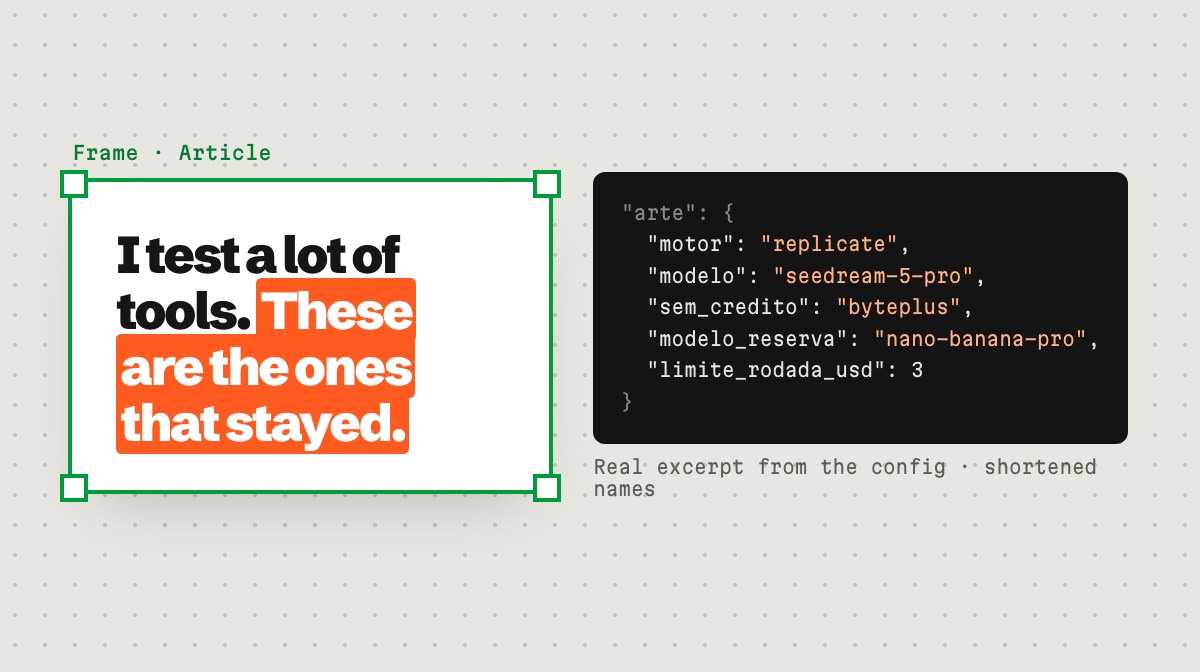
Every week there's a new list of "50 AI tools you need to know." I test a lot of things and few of them stay, because the rule I use is simple. A tool has to fit into a workflow I already have and take work off my plate without taking my eyes off the result. If it makes me review more than before, it goes.
This is the list of what stayed, with what I do with each one, and at the end, one I dropped.
Claude Code
This is where I spend my day. It's an agent, so instead of just answering, it opens files, runs commands, tests and shows me what changed. I use it for product code, for my site factory and to run a team of agents that produces content.
What made it stick was the instructions file. Every project of mine has a CLAUDE.md with the house rules, like how to name things, what's off limits and where to save files, so I write a rule once and don't have to repeat it in every request.
A lot of the time I have two to four sessions open at once, each one in a different project, and I review what they deliver.
The Claude extension for Chrome
I use it for things that only exist in the browser, like opening a tool that has no API (in other words, no way for another program to talk to it), checking a live page, reading the console and filling in repetitive stuff. It works in its own tab, and anything involving passwords or payments stays with me.
Seedream 5 Pro, for images
This is the model that makes the art for the posts. I picked it after comparing several side by side, and its photos look like they were taken on a phone, nothing like stock photos. I use it through the API, with a daily spending limit written in the config.
Nano Banana Pro, as the backup
It was the first model in my post production setup, through Higgsfield. It's still very good, and today it's second in line. I keep a backup model written in the config so production doesn't stop when a service goes down or I run out of credits.
HyperFrames, for motion
It's motion graphics written in HTML and rendered to video on my own computer. For someone like me who designs and codes, that helps a lot, because the animation becomes code, with the same fonts and colors as the site, and I ask the AI for changes the same way I would on a component.
The one I dropped: free models
One day I tested the free image models side by side with the paid ones, using the same prompt. Some looked good at first glance, and I even put one of them into production.
Every post made with it got rejected. They passed on a big screen, but in the feed, next to real photos, they looked AI generated.
I dropped them because going cheap cost me time. Every rejected post goes back in the queue and someone has to look at it again, and that someone is me.