
One admin panel for 10 to 15 teams, starting with permissions
How a legacy C# admin became Painel SBF, why permissions were the first architecture decision and why the first feature we migrated was discount coupons.
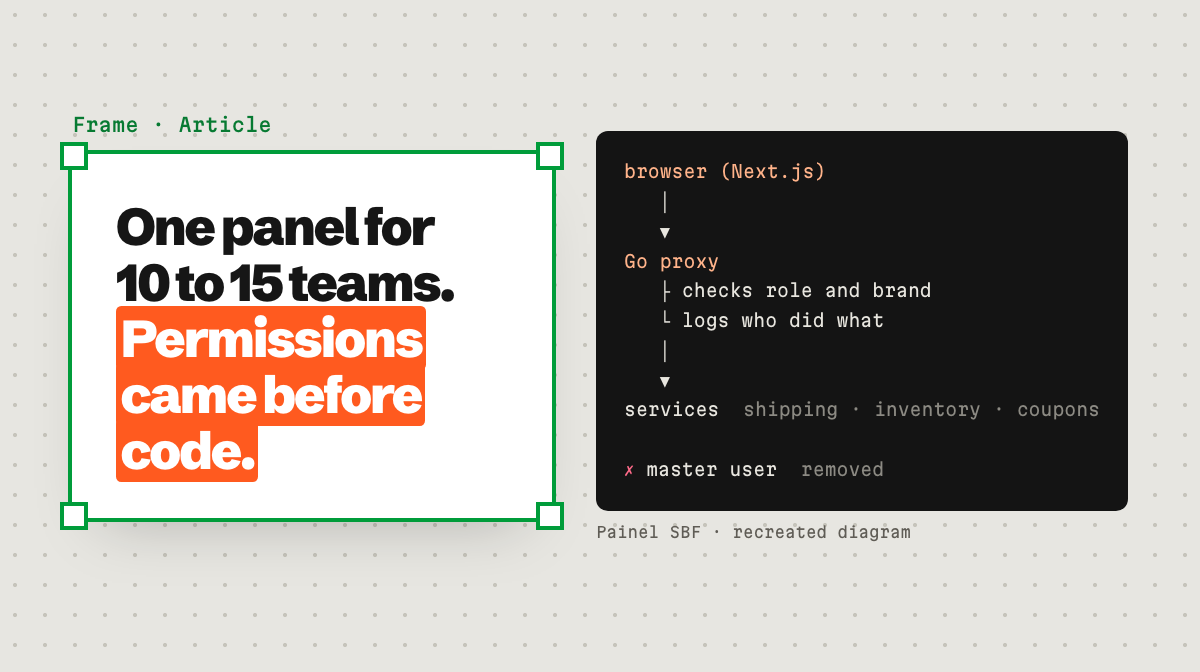
At Grupo SBF, the company behind Centauro and Nike in Brazil, there's one place where the internal tools live: sales, inventory, campaigns, pricing and store services. Today that place is Painel SBF, which is open to every team, and 10 to 15 teams use it.
When I got involved, it didn't exist yet. What existed was an old admin in C#, with the interface built in a C# framework, hundreds of features and security holes. And the usual complaint: every team with its own solution, and services built again for every new product.
I was on a team with two products, shipping management and inventory management, and our problem was the same one the other teams had.
The map and the plan
Before proposing any technology, I mapped what was there: every product that lived in the legacy admin and the security holes in each part of it.
With that map, I wrote an action plan and a plan for the future to move the scattered services onto one modern platform. That plan is what put me on the project, because I was asked to lead the front end and carry out what I'd written.
Permissions before code
On a panel that a lot of teams use, there's a more important question than which framework to pick, and it's who can see and do what.
The legacy admin had a "master" user that could give permissions to anyone. In practice, anyone could approve anything, including discount coupons of up to 99%.
That's why the architecture started with permissions:
browser (Next.js)
   │
   ▼
Go proxy ── checks the user's role and brand
   │      └ logs who did what, on every request
   ▼
services (shipping, inventory, coupons, pricing...)- Monorepo. The whole panel lives in one repository, with the front end in Next.js, which is a lot simpler to maintain than the old admin.
- Go back end as a proxy and role middleware, in other words, every call goes through it before it reaches a service.
- Permissions per brand. The system knows which brand each person belongs to and who can see all of them.
- No more master user. Nobody hands out access outside the rules anymore.
- Audit log on every request. The proxy saves the user's id and what they did in the panel.
The front end doesn't decide permissions, it only shows what the proxy lets through. I think that separation is what lets 10 to 15 teams work on the same product without one team breaking another team's security.
Coupons first
With so much to migrate, the first feature we prioritized was discount coupon management, right where the 99% hole was. It's the most sensitive part of the panel, and that's where the new permission model got its first real test.
If I were organizing another front end used by a lot of teams, I'd do it in the same order. First map what's there, holes included, because a plan convinces people when it shows that. Then decide permissions before the screens, with the rule in one place on the server, and log who did what from day one, because an audit log you add later always costs more. And start with the feature that best justifies the change, even if it's the hardest one.
The team
The project worked and the team grew. When I left, we were 3 front-end developers, 1 dedicated back-end developer, 1 PM, 1 tech lead and 2 designers. I joined Grupo SBF as a Senior Product Designer and left leading the front end of the panel I helped design.